
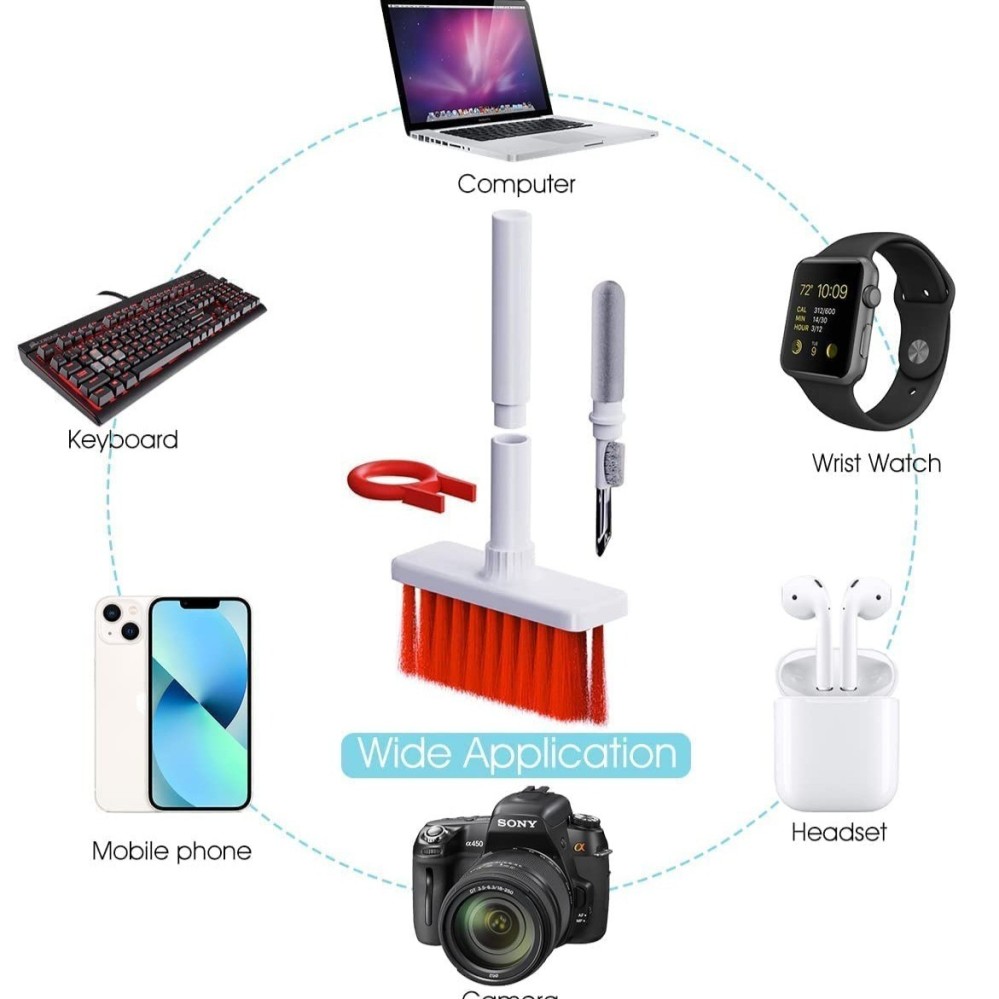
- We believe that productivity starts with cleanliness, cleaning your tools, keyboards, earphones before work will make you more productive and help you focus better compared to working with dirty and dusty tools.
- Dirt, dust, earwax, and perspiration on earphones make it a very favorable place for bacteria to grow. This is why cleaning your earbuds regularly is crucial to prevent recurring ear infections
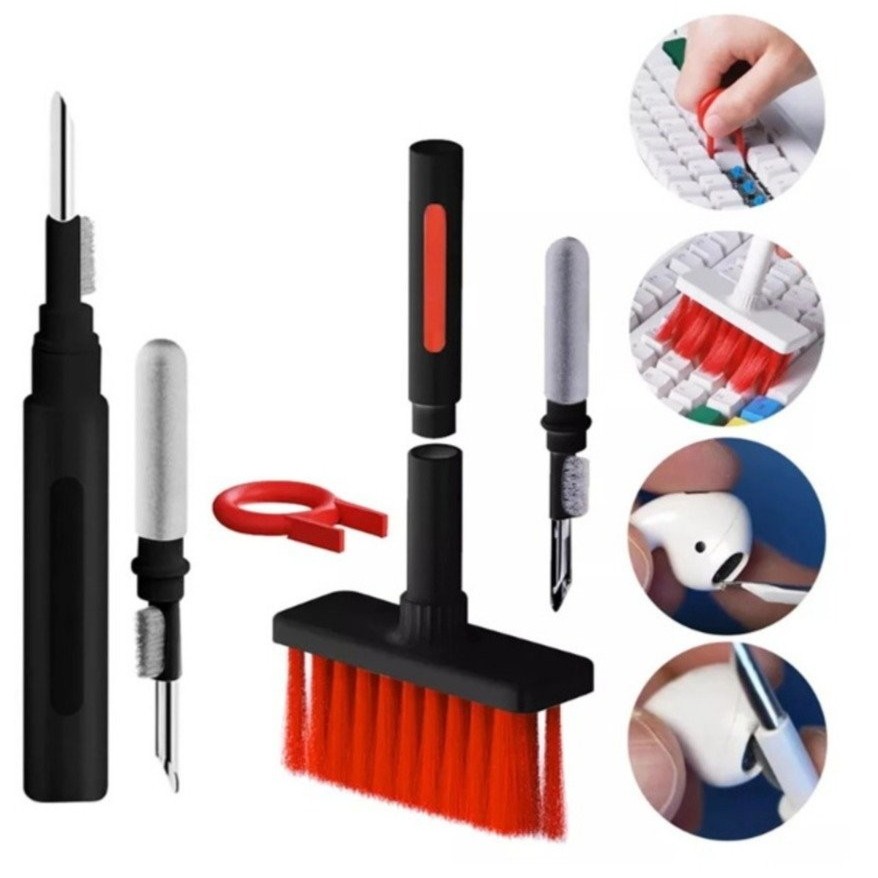
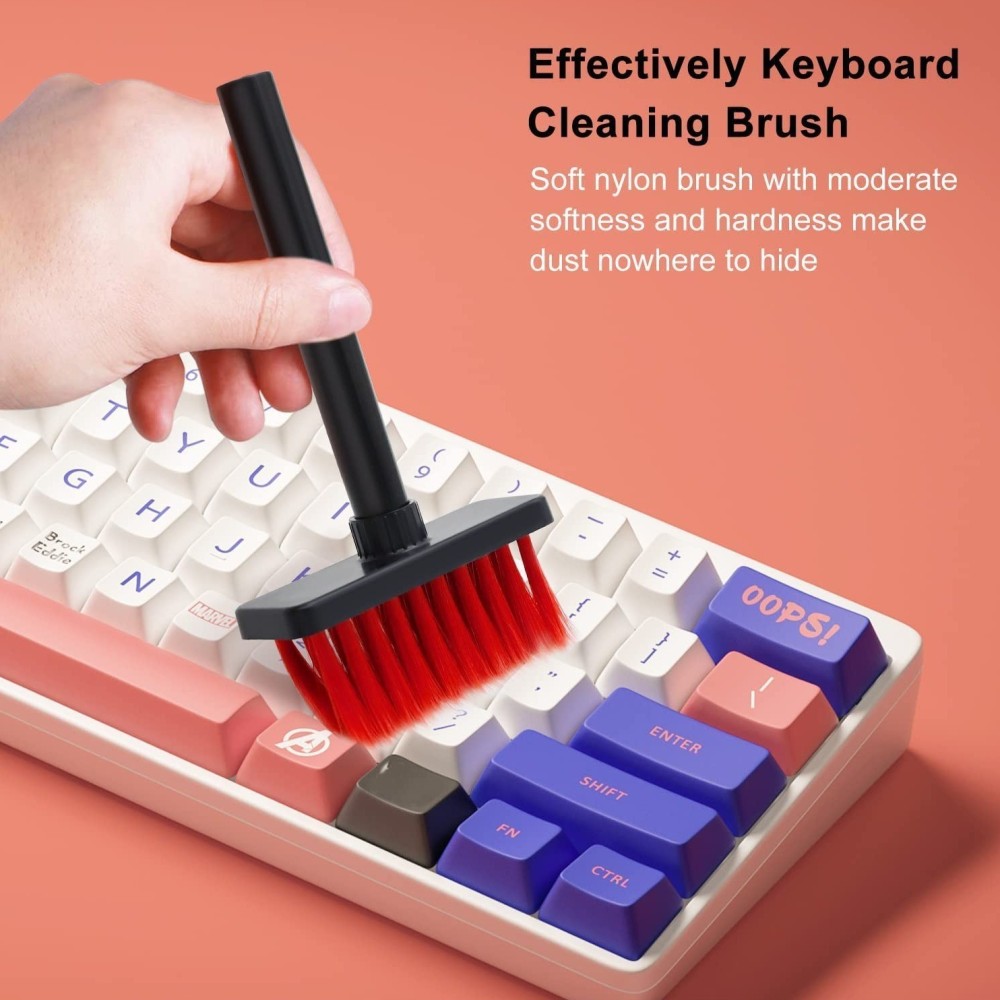
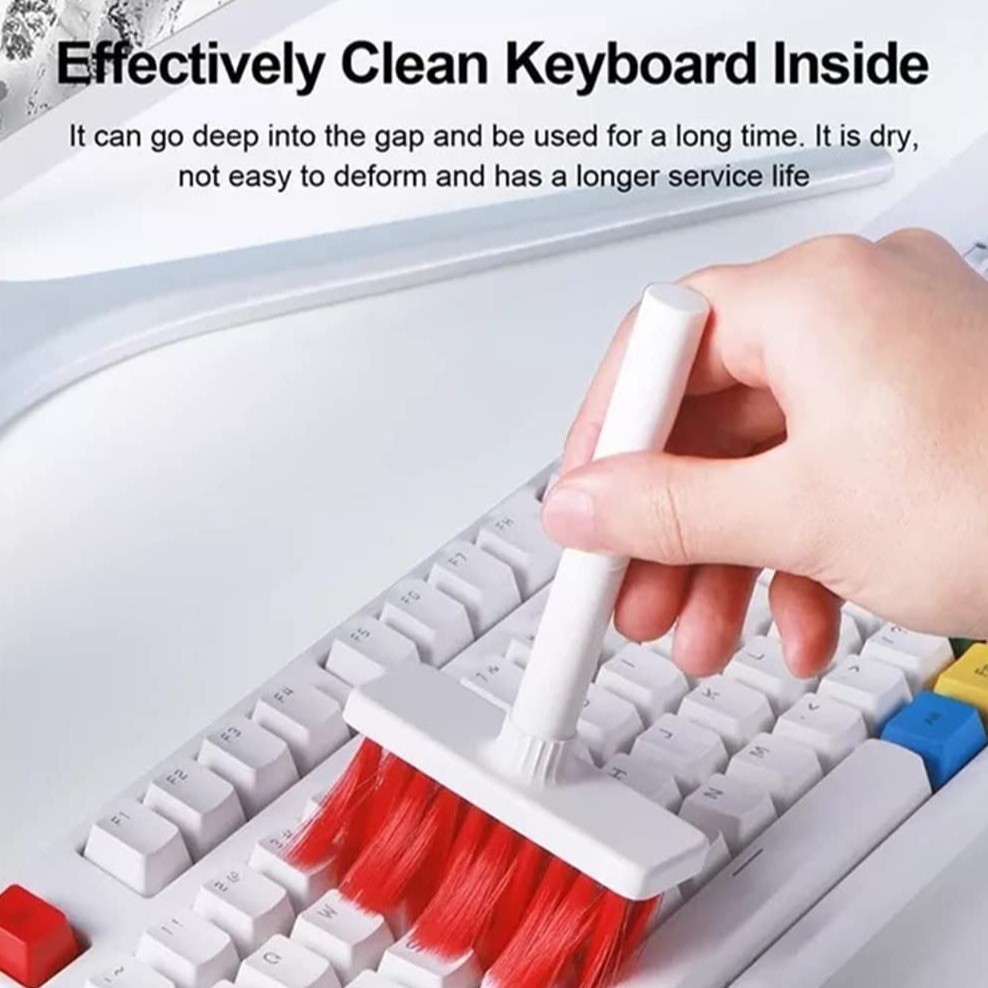
- Food particles and dust usually get stuck between the keyboard keys. The handy brush will help you remove all that mess in a matter of seconds!
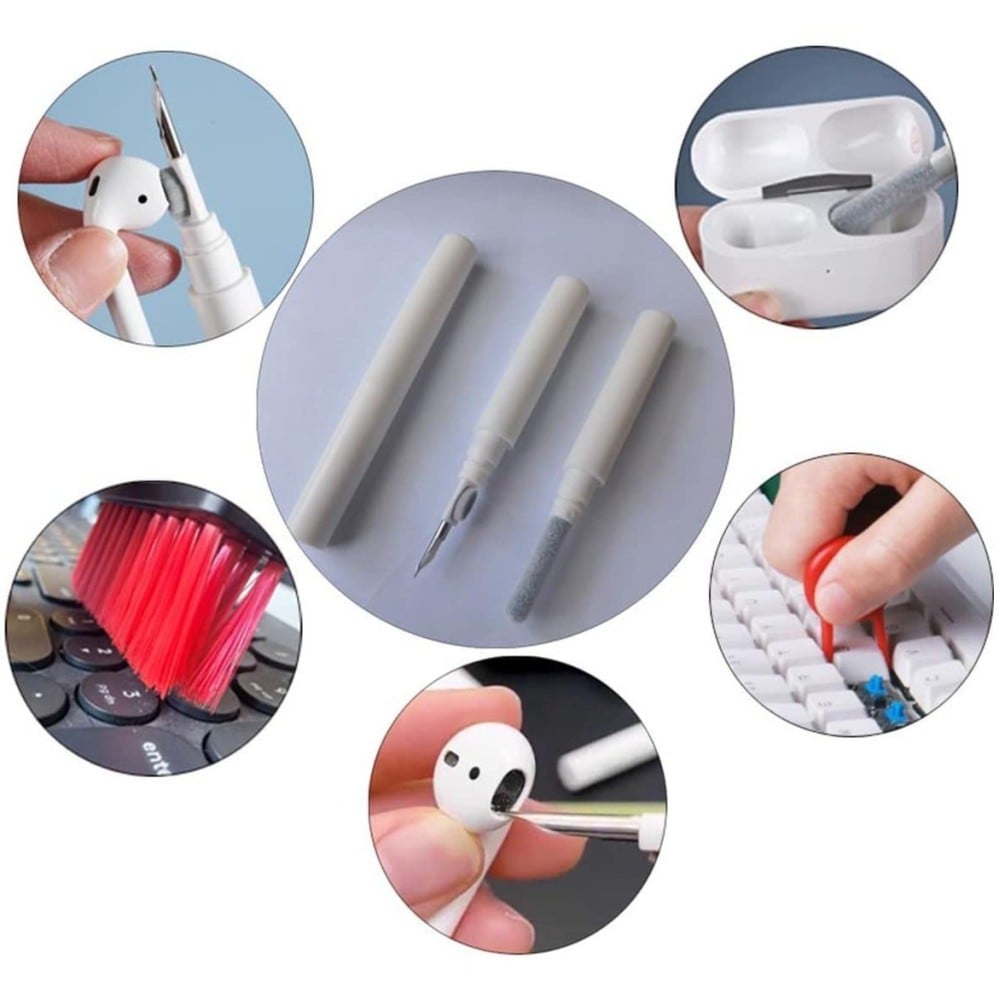
- If dirt is too jammed between the keys, you can quickly and easily remove this key by using the keyboard key removal clip included with this product, then remove the dirt and put the key back in
- A pointed metal tip helps clean the earphones and charging ports in case there are any solid debris stuck in such hard-to-reach areas, but be careful not to use it too harshly.
When was the last time you cleaned your earphones? No matter what quality earphones you use, it's important to clean them regularly. Earwax, sweat, and dead skin cells accumulate along with dirt and dust making it a very favorable place for bacteria and other microorganisms to grow, causing frequent ear infections in teens and adults.
This is the time to think about your health and use the right tools to clean your digital accessories.
Secondly, in order to increase your productivity and concentration at work and study, it is essential to keep your surroundings and equipment clean and tidy. The brush can be used to clean the keyboard and remove any debris between your keys. If the dust or food particles are stuck tightly, you can use the small hook-shaped key remover. It effectively removes keyboard keys without damaging them. Then you can brush the keyboard and that's it
What does it contain?
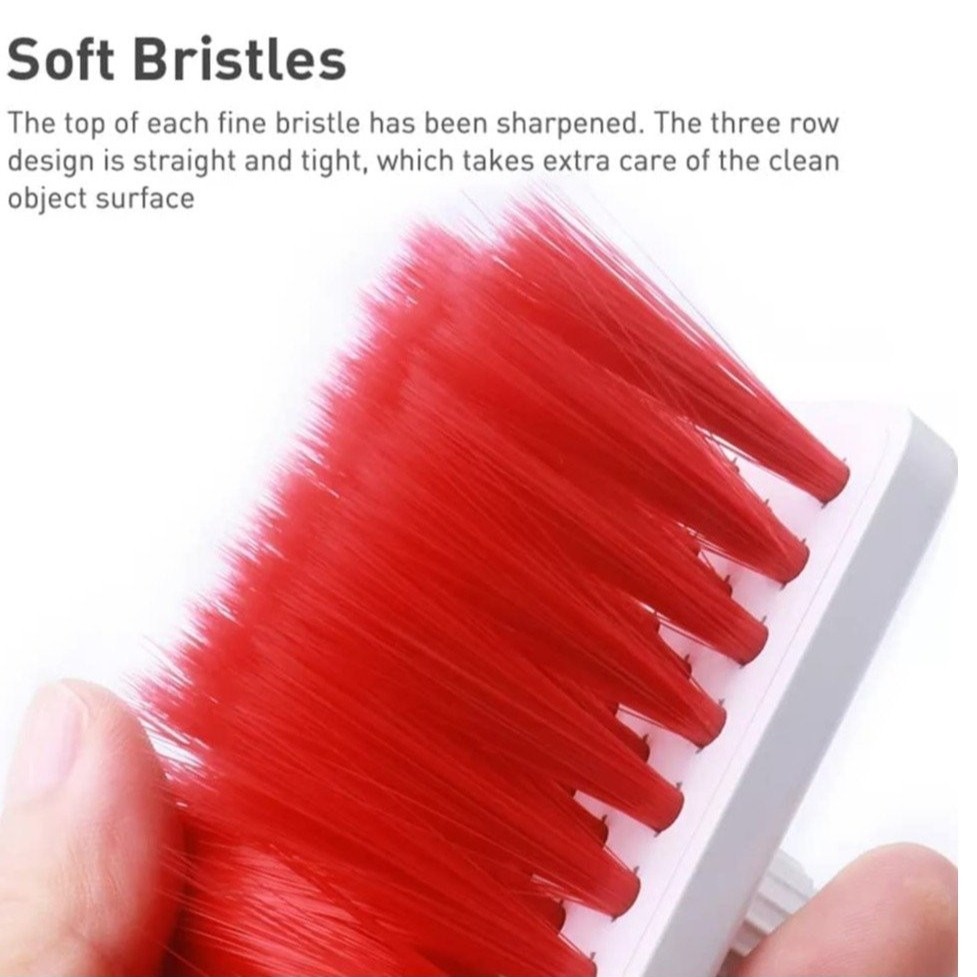
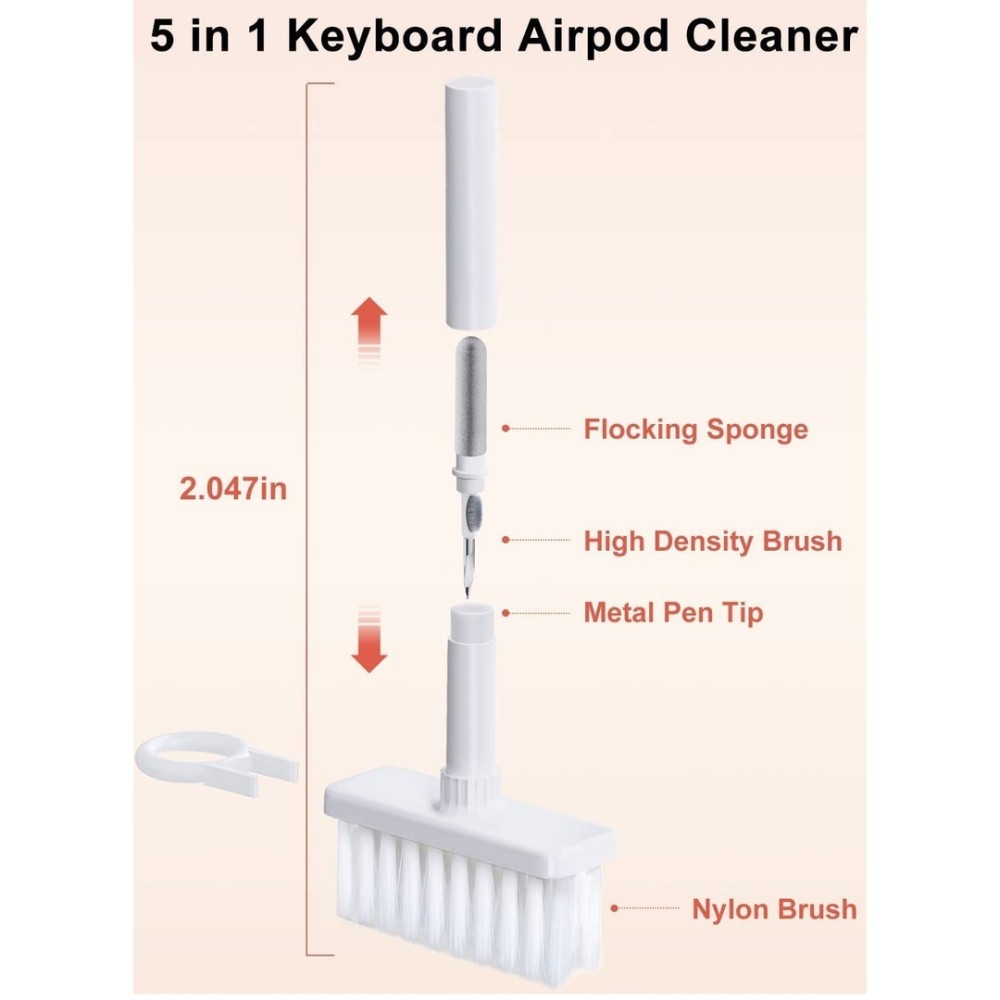
1- Nylon bristle brush: Specially selected nylon brush with moderate hardness and softness, three-row design with high pore strength, good elasticity, toughness and compressibility.
2- Key Puller: Easily remove keyboard keycaps with a key puller.
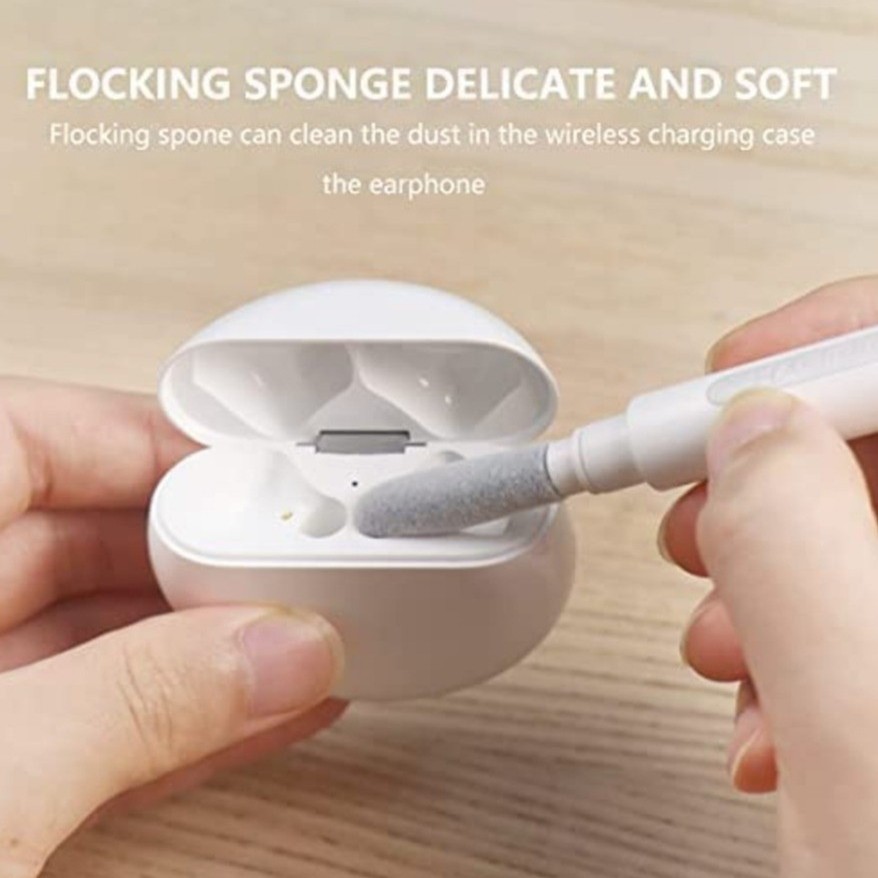
3- Flowing Sponge: Removes any dust from the wireless charging case of the earphone.
4- High-density brush: Removes any impurities from the audio outlet hole of the earphone.
5- Metal tip: removes any stubborn residue or dust